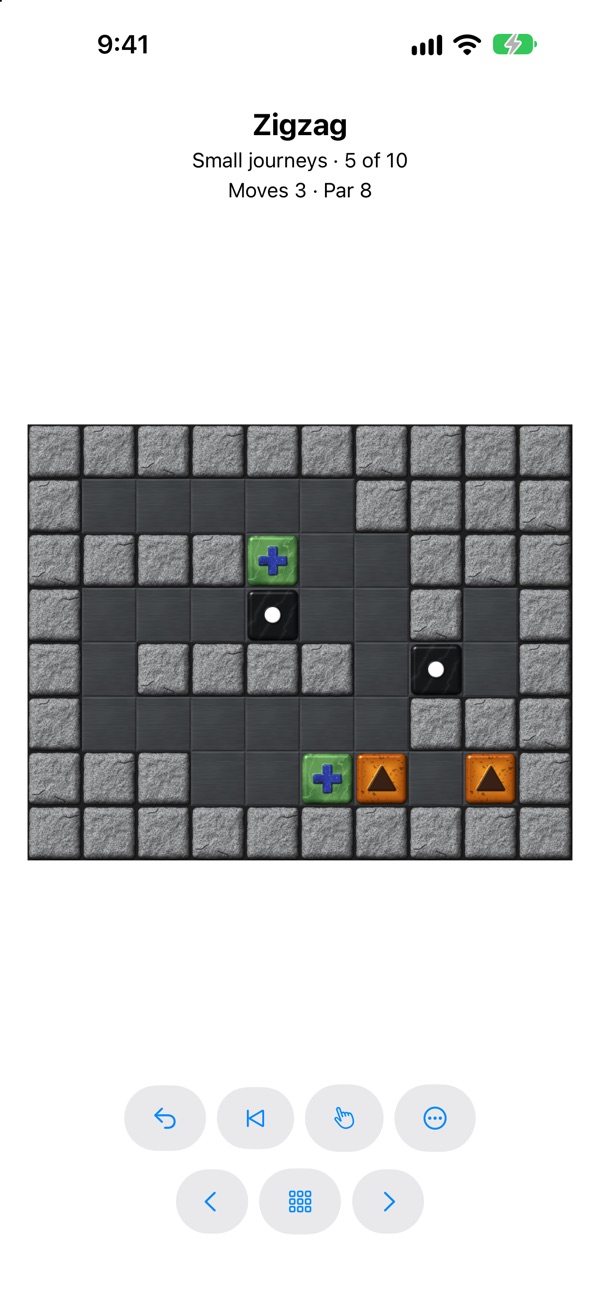
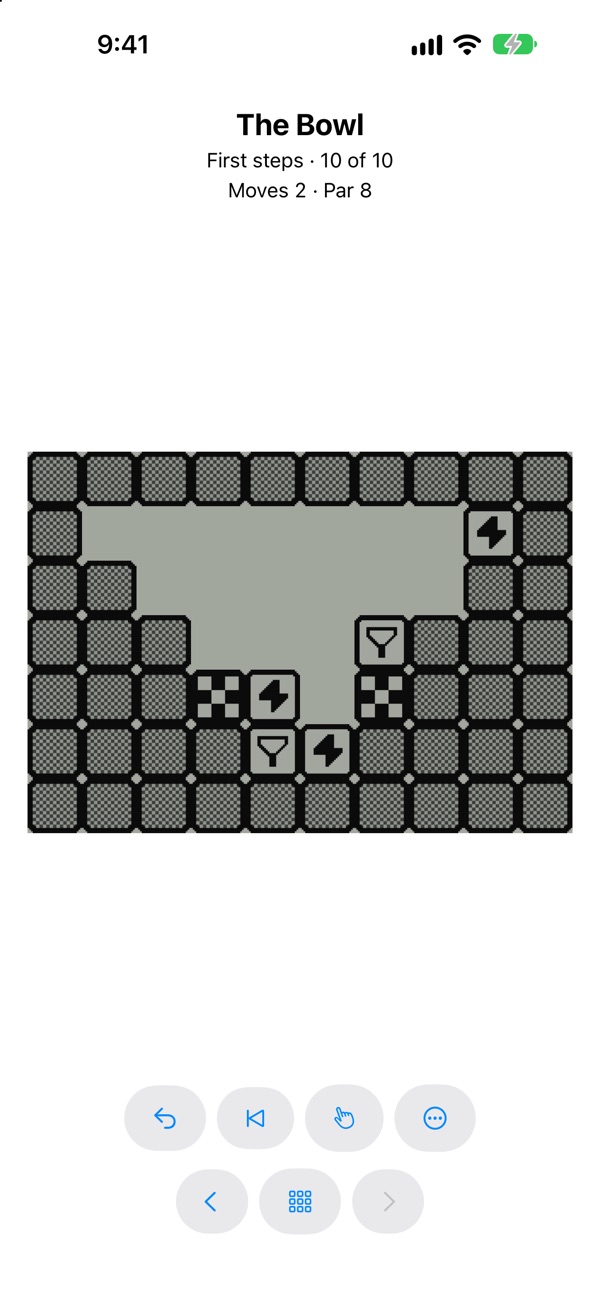
Features
- Four packs built in: First steps, ten short levels that teach the rules, and Small journeys, Winding paths and Long climbs, thirty harder ones, easy to hard.
- Original Packs: download the 48 classic packs of the original game, nearly 2,900 levels, from inside the app.
- Import level packs from
.ini files, the original game's format, solutions included. - Unlimited undo, restart, and a bookmark to return to a position you want to try again from.
- Stuck? Hint marks the next move, and Show Solution plays the level through; using either adds five moves to your score for that level. Replay watches your own moves back.
- A warning as soon as the board can no longer be won, so you know when to undo.
- Saved progress for every pack: your best scores and the game in progress.
- Level editor: build your own levels with live checks, let the built-in solver find the shortest solution, test-play them to set par, play them as their own pack, and export them as a pack file to share.
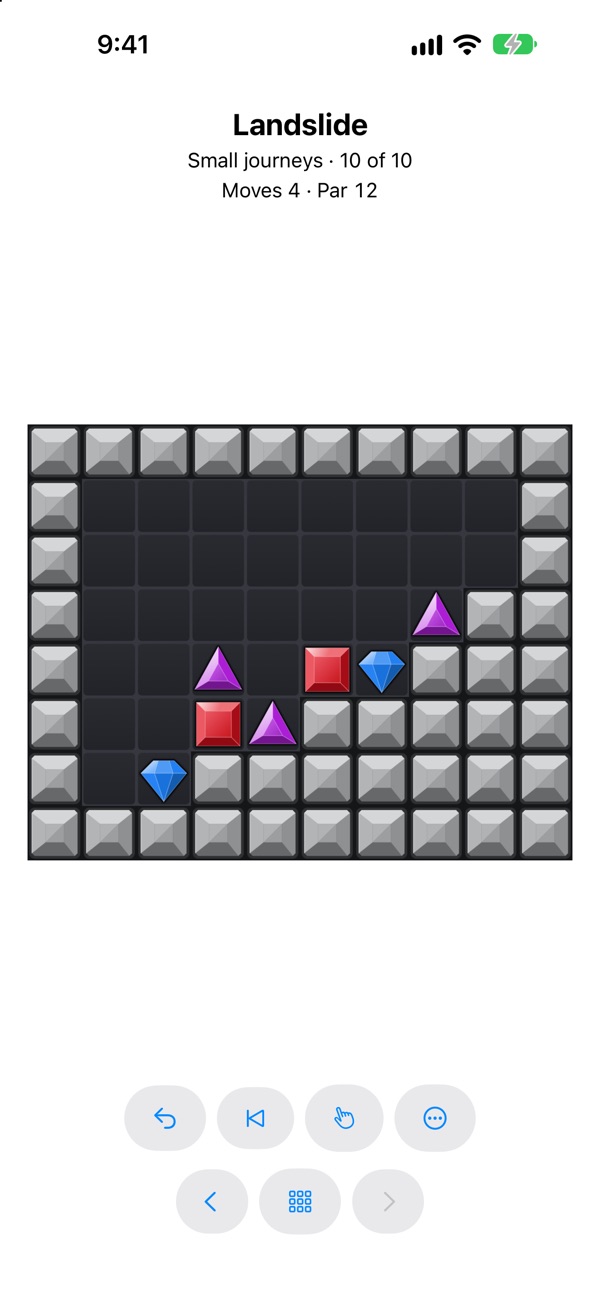
- Nine tile themes, plus Random: from glossy classic tiles to carved stones, keycaps, jewels and black-and-white pixel art.
- Settings for locked progression, moving on automatically after a win, animation speed and sounds, in light or dark mode.
The classic levels
Baffled is inspired by the classic Palm OS game Vexed, by James A. McCombe. It is a clean-room implementation of that game. It comes with its own gameplay content, but also supports all of the classic game's nearly 2,900 levels (freely downloadable and usable within Baffled). The Original Packs are those levels, by James A. McCombe and the Vexed Development Team, licensed under the GNU GPL, version 2.
Made for every screen
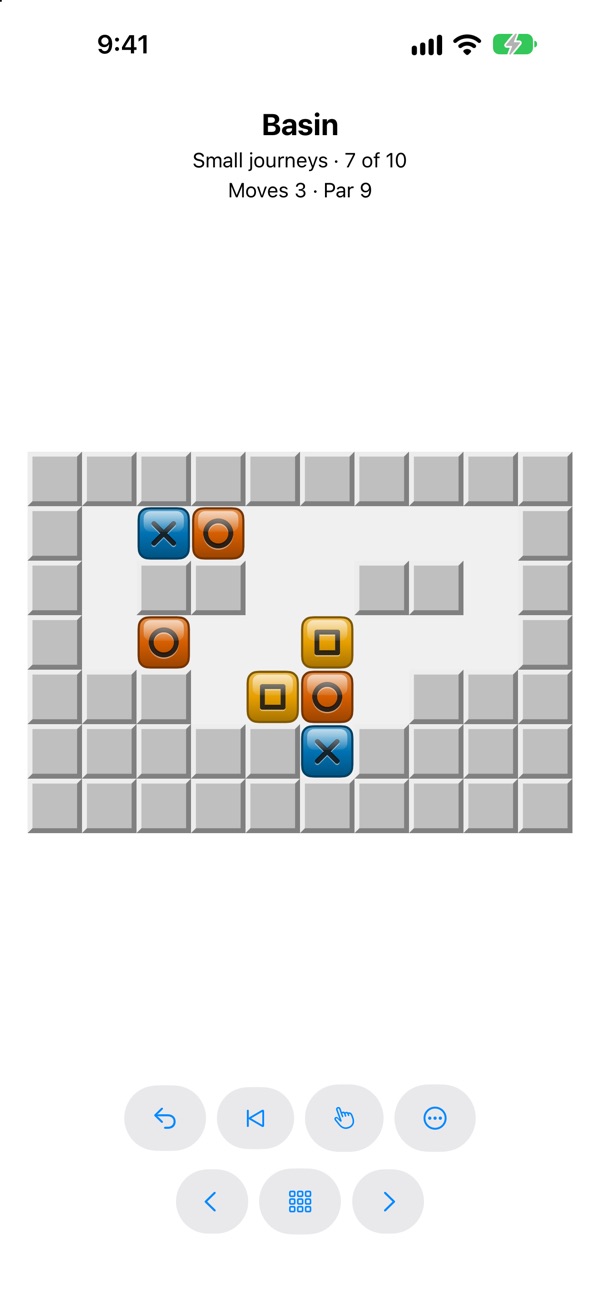
- iPhone and iPad: every screen, in portrait or landscape, and any window size on iPad, with Split View and Stage Manager. A light haptic tap as blocks vanish.
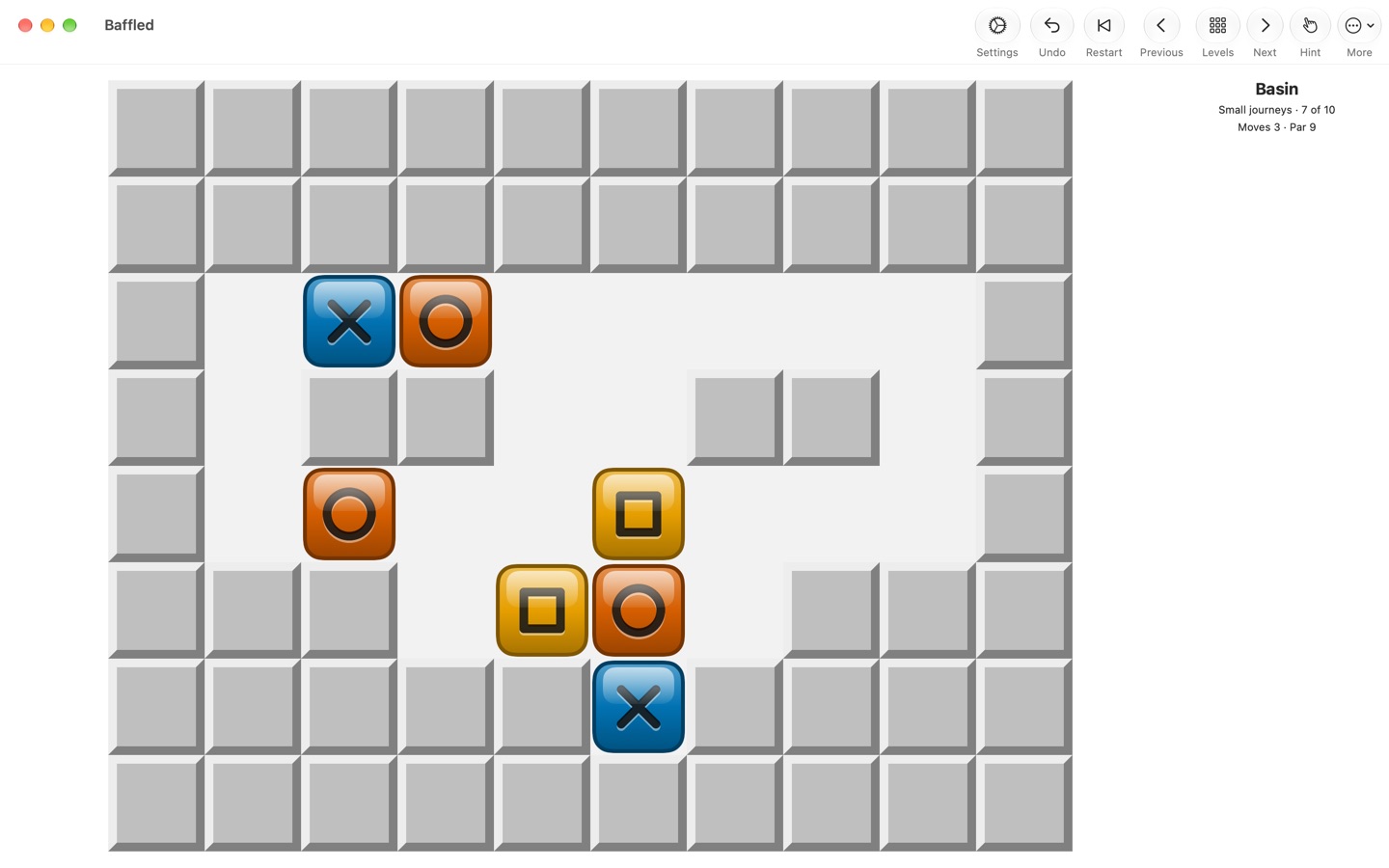
- Mac: any window size, full screen included, with the controls in the toolbar, every command in the menus and the level editor in a window of its own.
- Android: phones, tablets and foldables, in portrait or landscape, with split screen. On Android 12 and later, the app's colors follow your wallpaper.
- Windows: any window size, Snap layouts and every display scaling, with the mouse, the keyboard or touch.
Accessibility
- The screen reader reads the board and announces every move: VoiceOver on iPhone, iPad and Mac, TalkBack on Android and Narrator on Windows.
- Play entirely by keyboard on iPad, Mac and Windows, with shortcuts for undo, restart, hints and moving between levels. On Android, a keyboard or D-pad moves a cursor and picks up blocks.
- Follows Reduce Motion on Apple devices, Remove animations on Android and contrast themes on Windows.
- Color is never the only cue: every kind of block has its own symbol. Block Check dims all the other kinds while you press and hold a block, or right-click it.
Privacy
No ads, no accounts and no tracking. Your progress stays on your device, and the app only goes online when you open Original Packs to download the classic game's levels. See the privacy policy.
Help
For help, bug reports or suggestions, see Baffled Support.
App Store and Mac App Store are service marks of Apple Inc. Google Play and the Google Play logo are trademarks of Google LLC. Microsoft and the Microsoft Store logo are trademarks of the Microsoft group of companies.